

Planning a successful ecommerce venture requires careful execution. Before you announce your official Shopify Store Launch, you need a bulletproof blueprint that ensures technical readiness, flawless user experience, and high-converting SEO strategies. This guide delivers a structured framework to turn your digital storefront into a highly profitable, high-speed sales engine.
In the highly competitive world of online retail, launching with a slow theme, broken checkout flows, or unoptimized meta tags can sink your business before it even starts. By taking a systematic approach to technical SEO, performance optimization, and transactional flows, you can secure early search rankings and deliver a seamless experience to your first visitors.
The Ultimate Shopify Store Launch Checklist
To orchestrate a highly successful Shopify Store Launch, you must coordinate multiple technical and creative elements. It is not merely about choosing a beautiful theme and adding products; you must establish a solid architectural foundation. This checklist covers everything from server-side DNS configurations to front-end page speed optimizations.
A structured approach ensures that no critical settings are missed. By systematically auditing your store against technical benchmarks, you protect your marketing investments and guarantee that every user who lands on your site has a clear, frictionless path to purchase.
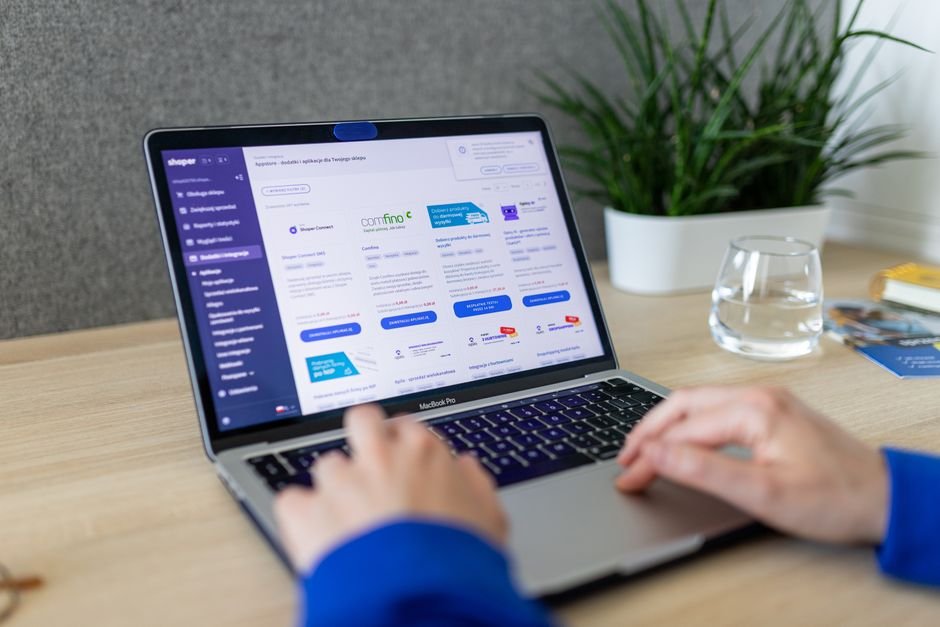
Technical Optimizations Before Your Shopify Store Launch
The technical foundation of your site dictates how search engine crawlers and real-world users interact with your brand. During the initial phases of your Shopify Store Launch, ensuring that your DNS, security protocols, and URL structures are flawlessly configured is paramount to long-term organic growth.
Domain Configuration for a Smooth Shopify Store Launch
Your domain name is your brand’s digital identity. When preparing for your Shopify Store Launch, you must point your custom domain to Shopify’s hosting servers. This requires precise modification of your DNS records within your domain registrar’s control panel (such as Namecheap, GoDaddy, or Cloudflare).
To connect your domain correctly, apply the following standard configurations:
- A Record: Point your root domain (e.g.,
yourstore.com) to Shopify’s primary IP address:23.227.38.65. - CNAME Record: Point your subdomain (e.g.,
www.yourstore.com) toshops.myshopify.com. - TXT Records: Set up SPF and DKIM records to authenticate your store’s sending email address, preventing transactional emails from landing in your customers’ spam folders.
Once these records are updated, initiate SSL provisioning inside the Shopify admin panel. An active SSL certificate is mandatory for processing secure transactions and is a primary ranking signal monitored by search engines.
Maximizing Search Engine Visibility
Maximizing search visibility prior to the Shopify Store Launch requires a proactive technical SEO audit. Shopify simplifies many aspects of SEO, but manual intervention is required to achieve peak search engine performance. First, customize your robots.txt file to prevent search engines from indexing utility pages such as cart pages, checkout flows, and internal search results.
Next, verify your site with Google Search Console and Bing Webmaster Tools. Shopify automatically generates a comprehensive XML sitemap at yourstore.com/sitemap.xml. Submit this URL directly to Google to accelerate the discovery, crawling, and indexing of your product and collection pages. For deeper insights on search engine optimization guidelines, consult the authoritative documentation on Google Search Central.
Performance and Speed Engineering
Page speed is directly correlated with conversion rates. A delay of even one second can result in a massive drop in sales. To prevent any friction during the Shopify Store Launch, test and optimize your site’s performance metrics using tools like Google PageSpeed Insights and WebPageTest.
Start by selecting a lightweight, modern Shopify theme built on Online Store 2.0 architecture. Avoid themes bloated with complex, pre-packaged Javascript libraries. Additionally, audit your installed applications. Every third-party app you install injects external scripts into your theme’s Liquid files, increasing HTTP requests and slowing down page load times.
| Optimization Category | Native Shopify Solution | Third-Party App Alternative | Performance Impact |
|---|---|---|---|
| Image Optimization | Auto-WebP conversion & CDN delivery | TinyIMG, Crush.pics | High (Reduces payload size) |
| SEO & Metadata | Native fields for titles & descriptions | Plug in SEO, Yoast SEO | Medium (Improves CTR) |
| Data Backups | Manual CSV exports | Rewind Backups | Low (Critical for security) |
| Performance Analytics | Shopify Web Pixels API | Google Tag Manager custom scripts | High (Reduces script blocking) |
As demonstrated in the table above, leveraging Shopify’s native capabilities where possible minimizes reliance on external scripts, preserving your site’s speed and stability.
Optimizing User Experience (UX) and Conversion Paths
The design of your store must guide visitors effortlessly toward making a purchase. Your navigation menu should be clean, intuitive, and mobile-responsive. Ensure that your search bar is highly visible, features auto-suggestions, and handles typos gracefully.
Ready to Build, Fix, or Scale Your Website?
One Code Stream engineers high-speed, conversion-focused websites, custom web applications, and e-commerce solutions for global businesses. Let’s turn your vision into measurable digital growth.
On product pages, utilize clear hierarchy: high-quality images, concise descriptions, visible pricing, and a highly contrasting “Add to Cart” button. To build immediate trust, integrate customer review widgets, clear shipping policies, and secure checkout badges close to your call-to-action buttons.
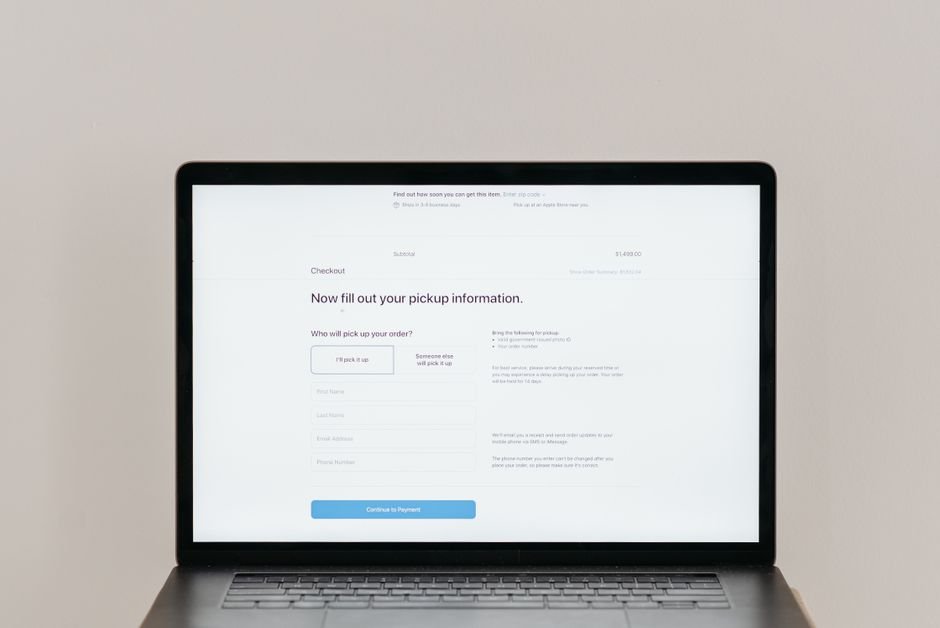
Payment Gateways and Checkout Flow Testing
A flawless Shopify Store Launch relies on secure gateways and a friction-free checkout system. Before driving traffic to your store, you must run end-to-end transaction tests to verify that payments, taxes, shipping rates, and discount codes function exactly as intended.
Enable “Test Mode” within your payment gateway settings (such as Shopify Payments) to simulate successful and failed transactions without charging real credit cards. Verify that:
- Tax Calculations: Taxes are accurately applied based on your customers’ geographical locations.
- Shipping Rules: Flat rates, real-time carrier rates, and free shipping thresholds calculate correctly at checkout.
- Discount Codes: Automatic and manual promo codes apply the correct percentage or fixed-amount deductions.
- Order Notifications: Automated customer emails (order confirmations, shipping updates) are styled beautifully and contain accurate dynamic data.
For official documentation on configuring payment systems, check the Shopify Help Center to ensure your configurations align with global compliance standards.
Analytics, Tracking, and Data Infrastructure
You cannot optimize what you do not measure. Setting up redirects is vital for your Shopify Store Launch, but establishing robust analytics tracking is equally critical to understanding user behavior from day one. You must implement server-side and client-side tracking before launching your first marketing campaign.
Install Google Analytics 4 (GA4) using Shopify’s native Google & YouTube channel app. This integration utilizes the Web Pixels API, ensuring accurate, privacy-compliant tracking of events such as view_item, add_to_cart, and purchase. If you are running paid ads on platforms like Meta, TikTok, or Google, install their respective pixels and configure Conversions APIs to bypass browser-based ad blockers and capture complete attribution data.
Pre-Launch Marketing and Customer Acquisition Strategy
Your marketing strategy post-Shopify Store Launch should be planned and executed long before the digital doors open. Building anticipation can generate a surge of traffic and sales on launch day.
Create a high-converting “Coming Soon” landing page featuring an email opt-in form. Offer early access discounts, exclusive product drops, or giveaways to incentivize visitors to share their contact information. This strategy allows you to build an engaged email list, giving you a warm audience to market to the moment your store officially launches.
Post-Launch Monitoring and Iteration
Once the final phase of your Shopify Store Launch checklist is complete and your store goes live, your focus shifts to real-time monitoring and continuous optimization. Keep a close eye on your live analytics dashboard to ensure users are moving smoothly through your sales funnel without encountering technical roadblocks.
Measuring key metrics after the Shopify Store Launch helps you identify friction points in your funnel. Pay close attention to your bounce rate, average session duration, cart abandonment rate, and conversion rate. Use heatmap tools like Hotjar or Microsoft Clarity to watch recorded sessions of real users navigating your site, allowing you to quickly spot and fix any usability issues that could be hurting your sales.
Conclusion
Executing a successful, highly profitable online store requires a careful blend of technical precision, design thinking, and data-driven marketing. By methodically working through this checklist, you protect your brand from common technical pitfalls and set your business up for long-term growth.
For more cutting-edge technical tutorials, ecommerce development strategies, and deep-dive SEO guides, explore the resources available at One Code Stream. Ensuring that your Shopify Store Launch goes off without a hitch is just the beginning of your journey toward building a highly successful, scalable online brand.




