

When you sell software or premium media, you need to protect digital downloads from unauthorized redistribution. If your site lacks robust security, your revenue will leak as users share direct links or bypass your payment gateway. Implementing a professional strategy to protect digital downloads is not just a technical preference; it is a fundamental requirement for any sustainable online business operating on the WordPress ecosystem.
In this guide, we explore how to secure your intellectual property. Whether you are selling plugins, e-books, or high-resolution assets, you must ensure that only paying customers access your content. For more insights on scaling your digital infrastructure, visit One Code Stream to stay updated on best practices.
Why You Must Protect Digital Downloads
The primary vulnerability in a standard WordPress setup is the exposure of file paths. If a user guesses your directory structure, they can download files without ever visiting your checkout page. To protect digital downloads, you must hide these paths. By utilizing specialized plugins, you can force the server to serve files through a script that checks for a valid session or purchase token before initiating the transfer.
Furthermore, without a system to protect digital downloads, your bandwidth costs can skyrocket due to bot activity and unauthorized hotlinking. Implementing secure delivery methods ensures that files are served only when a transaction is verified, preserving both your revenue and your server resources.
7 Proven Methods to Protect Digital Downloads and Keys
Securing your assets requires a multi-layered approach. Below are the most effective technical steps to ensure your inventory remains safe.
- Use Expiring Download Links: Never provide a permanent URL. Configure your store to generate temporary, time-sensitive links that expire after a set number of downloads or hours.
- Offload Files to Secure Storage: Move your files to Amazon S3 or Google Cloud Storage. These services allow you to generate pre-signed URLs that provide temporary access to specific files, keeping your main web server isolated.
- Implement License Key Validation: If you sell software, you must protect digital downloads by requiring a license key. Use a WordPress Plugin Directory resource to find tools that integrate remote API validation.
- Disable Directory Browsing: Ensure your
.htaccessfile contains the directiveOptions -Indexesto prevent snoopers from viewing your file directories. - Force Download Headers: Use PHP headers to force the browser to download the file rather than opening it, which prevents hotlinking and media scraping.
- Watermark Media Assets: For images and documents, implement automated server-side watermarking to discourage casual sharing.
- Monitor User Activity: Use logging tools to identify suspicious patterns, such as a single IP address requesting multiple different download URLs in a short time frame.
Using Plugins to Protect Digital Downloads
While manual configuration is possible, most developers rely on established e-commerce frameworks. Using platforms like WooCommerce or Easy Digital Downloads allows you to easily protect digital downloads through built-in security features. These plugins automatically manage file permissions, generate unique download tokens, and handle license key generation, which is a massive time-saver for growing stores.

| Method | Security Level | Implementation Effort |
|---|---|---|
| Direct Links | Very Low | None |
| Expiring URLs | High | Moderate |
| Cloud Storage (S3) | Very High | High |
| API Key Validation | Extreme | Very High |
Advanced Strategies to Protect Digital Downloads
To truly protect digital downloads, you must look beyond the basic settings. Advanced users should consider implementing a Content Delivery Network (CDN) that supports tokenized authentication. By using a CDN, you not only speed up delivery but also add an extra layer of security where the CDN validates the request before the file is even accessed from the storage bucket.
Ready to Build, Fix, or Scale Your Website?
One Code Stream engineers high-speed, conversion-focused websites, custom web applications, and e-commerce solutions for global businesses. Let’s turn your vision into measurable digital growth.
Another critical aspect is the management of license keys. A license key is essentially a digital contract. If you do not protect digital downloads by tying them to a specific domain or user account, your software can be easily redistributed on “nulled” sites. Always implement a “phone home” feature where your software periodically checks your central server to confirm the license is still active and valid.
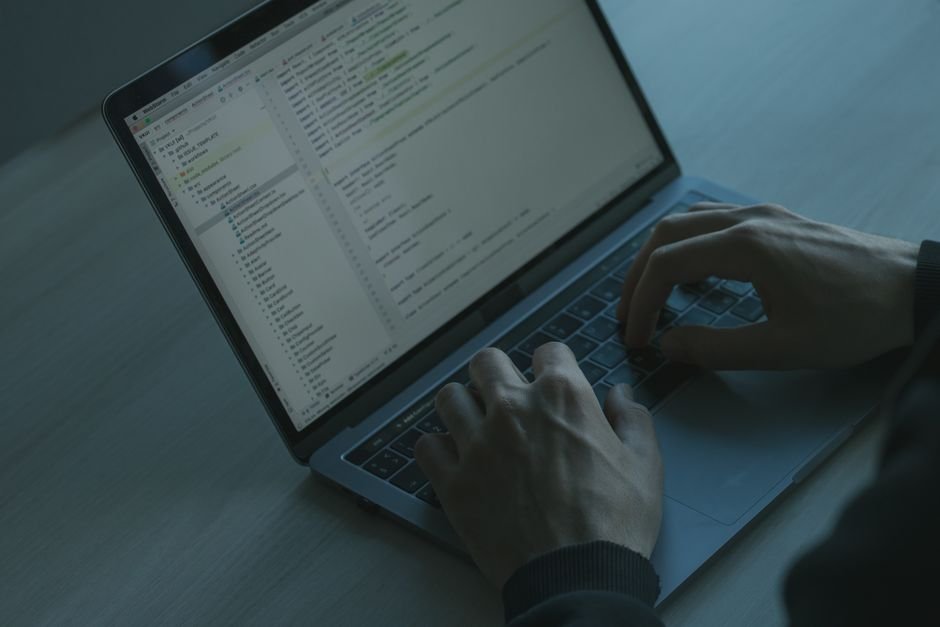
Furthermore, you should regularly rotate your API keys and update your encryption protocols. Security is not a “set it and forget it” task. As threats evolve, so too must your methods to protect digital downloads. By staying ahead of malicious actors, you maintain the trust of your customers, which is the most valuable asset in any digital business.
If you find that your current setup is still vulnerable, consider auditing your file permissions. Files should be set to 644 and directories to 755. Anything more permissive is an invitation for trouble. Additionally, check your wp-config.php file for any hardcoded credentials that could lead to a server compromise. When you protect digital downloads, you are ultimately protecting your brand’s reputation.
For those who rely on external WooCommerce extensions, ensure these are always updated. Vulnerabilities in third-party plugins are a common entry point for hackers looking to steal premium digital files. Maintaining a lean, secure, and updated site architecture is the final piece of the puzzle to protect digital downloads effectively for years to come.
In conclusion, the effort required to protect digital downloads is a necessary investment. By combining expiring links, cloud storage, and robust license key validation, you create a secure environment that rewards your paying customers and discourages unauthorized access. Stay vigilant, monitor your logs, and always prioritize security in your development workflow.




